ROS 2 for Beginners: Setting Up Your First Project
ContentsWhat Is ROS 2, Really?
If you've read our Obstacle Avoidance Robot with LiDAR and ROS 2 guide and felt like you were missing context on what ROS 2 actually is, this post is for you. Before diving into Nav2 and SLAM, it helps to understand the basic concepts and get a minimal project running — even one with no robot hardware at all.
What Is ROS 2, Really?
ROS 2 (Robot Operating System 2) isn't an operating system in the traditional sense — it runs on top of Linux (most commonly Ubuntu). It's better described as a middleware framework: a set of tools and libraries that let different parts of a robot's software communicate in a standardized way.
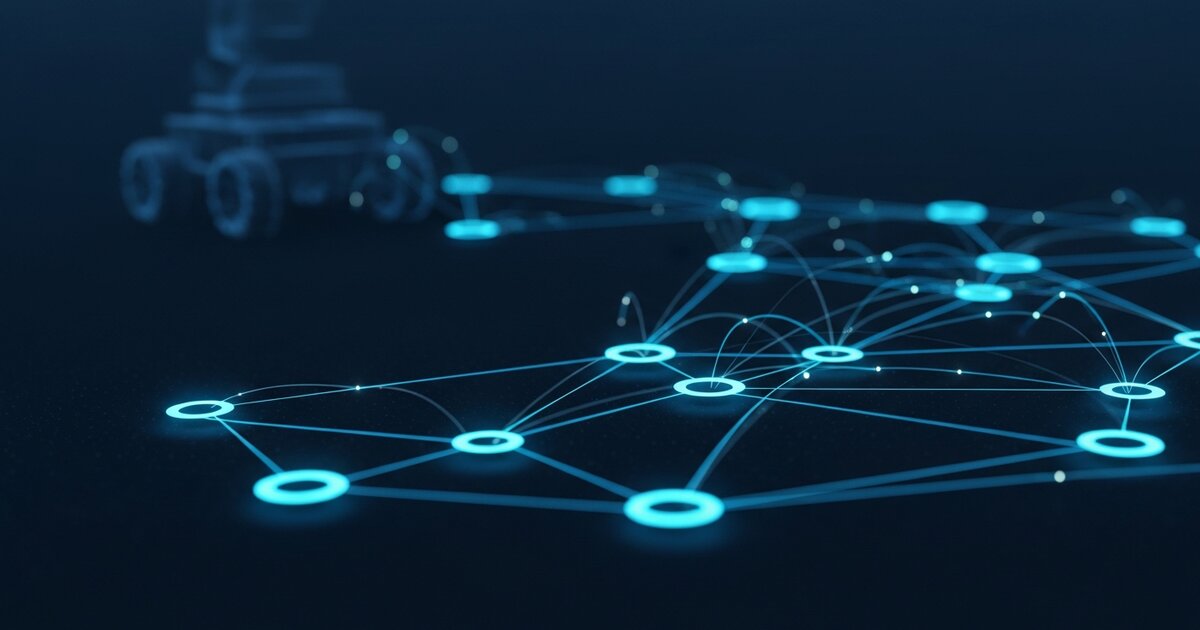
The core idea is that a robot's software is split into many small programs called nodes, each handling one job — reading a sensor, controlling a motor, running a planning algorithm — and these nodes pass messages back and forth.
Key Concepts
- Nodes: individual programs. A camera driver node, a motor controller node, and a navigation node might all run simultaneously and talk to each other.
- Topics: named channels that nodes use to publish and subscribe to data. A LiDAR node might publish to
/scan; a navigation node subscribes to that topic to read it. - Messages: structured data sent over topics — for example, a
LaserScanmessage contains an array of distance readings plus metadata. - Services: a request/response pattern for one-off actions, as opposed to the continuous stream of topics.
- Packages: bundles of related nodes, configuration, and code — the basic unit of organization in ROS 2.
This architecture is what makes ROS 2 powerful: a SLAM package doesn't need to know anything about your specific LiDAR model — it just subscribes to /scan and expects standard message types. Swap your LiDAR for a different model and, as long as its driver publishes the same message type, everything else keeps working.
Setting Up ROS 2
ROS 2 officially supports Ubuntu. Setup involves installing Ubuntu (natively, in a VM, or via WSL2 on Windows), adding the ROS 2 package repository, installing a ROS 2 distribution, and sourcing the setup script in your terminal. Create a "workspace" — a directory where your own packages live.
It's worth doing this setup on a real machine or VM rather than directly on a Raspberry Pi at first — debugging ROS 2 installation issues is much easier with a full desktop environment.
Your First Nodes: Talker and Listener
Almost every ROS 2 tutorial starts with the same example: a talker node publishes a "Hello, world" message to a topic once per second, and a listener node subscribes to that topic and prints whatever it receives. Running both in two separate terminals demonstrates the entire publish/subscribe pattern that scales up to sensor data, motor commands, and navigation goals.
Visualizing with RViz
ROS 2 includes a 3D visualization tool called RViz that can display sensor data, robot models, and planned paths in real time. Even without physical hardware, you can play back recorded sensor data and visualize it in RViz — useful for understanding what SLAM and navigation algorithms are "seeing."
Once you're comfortable with nodes and topics, the path to autonomous navigation is: get a LiDAR publishing to /scan → run a SLAM package to build a map → save the map → run Nav2 to plan paths and avoid obstacles using that map. Our Obstacle Avoidance Robot guide picks up roughly at this point. ROS 2 has a real learning curve, but the concepts build on each other logically — the talker/listener pattern you start with is, structurally, the same pattern that eventually drives a fully autonomous robot.