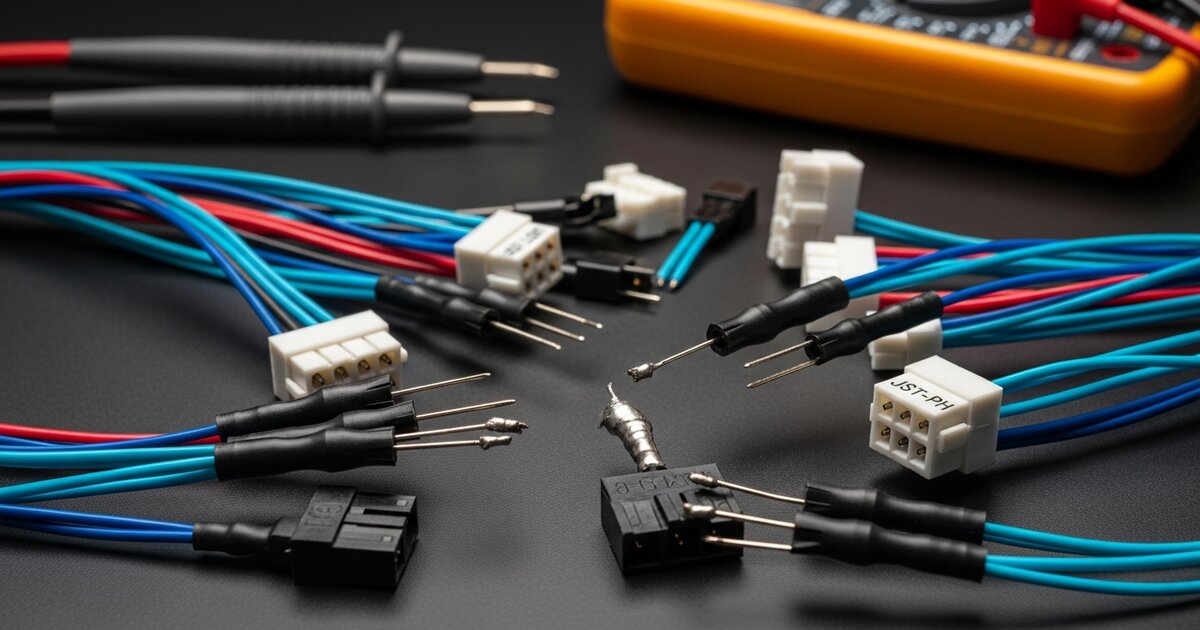
ROS 2 Telemetry on ESP32: Debugging Serial, Wi-Fi and Agent Connections

ContentsQuick Symptom-to-Layer Checklist
- Quick Symptom-to-Layer Checklist
- 1. Establish a Small, Versioned Baseline
- 2. Debug Serial Port Ownership and Framing
- 3. Check Wi-Fi/UDP Separately from Serial
- 4. Separate Agent Sessions from ROS 2 Discovery
- 5. Topics Without Data: QoS, Executor and Storage
- 6. Recovery After Agent Loss or Board Reset
- 7. Build a Useful Fault Record
When ESP32 telemetry disappears, separate six questions: did the firmware build, does the physical link work, can XRCE-DDS reach an agent, were entities created, does ROS 2 discover them, and can compatible endpoints exchange data? A visible Wi-Fi connection or successful firmware upload answers only part of that chain.
This guide diagnoses the ESP32 first publisher/subscriber example and the broader micro-ROS ESP32/STM32 telemetry integration. Use its Int32 exercise as a baseline before debugging a larger sensor driver.
Quick Symptom-to-Layer Checklist
| Symptom | Start here | What it does not prove |
|---|---|---|
| Compilation or link failure | Board/framework support, distribution, dependencies and rebuilt library configuration | Not a host network problem |
| Serial agent cannot open device | Actual port, permissions, competing monitor and container mapping | Upload success does not establish runtime access |
| Wi-Fi joins, no agent session | Agent LAN address, UDP port, host listener, routing and isolation | Association or ICMP ping does not prove XRCE connectivity |
| Session but no topic | Entity creation return codes and resource limits | Agent reachability is not successful publisher initialization |
| Topic exists, no samples | Type/QoS, executor, callback timing and message storage | Discovery does not prove delivery |
| Fails after unplug or agent restart | Reconnect lifecycle, changed device path, power and stale entities | Automatic recovery is not provided by every example |
1. Establish a Small, Versioned Baseline
Record the board target, framework/platform packages, micro-ROS library commit, firmware distribution, agent tag/digest and host distribution. Follow the upstream PlatformIO board and transport matrix; a working example for esp32dev is not evidence for every ESP32 variant.
Keep Jazzy explicit in board_microros_distro and the agent image. Clear the generated micro-ROS library when changing transport or library settings:
pio run -e esp32dev --target clean_microrospio run -e esp32devpio run -e esp32dev --target uploadChange one variable at a time. Preserve the build log and first failing initialization call, rather than changing baud, QoS and transport together. No baud or publication-rate value guarantees loss-free operation for all message types.
2. Debug Serial Port Ownership and Framing
On Linux, identify the device created by the actual board. Stable USB identity links may be available; some devices use ttyACM rather than ttyUSB names.
ls -l /dev/serial/by-id/ls -l /dev/ttyUSB0# Replace ttyUSB0 everywhere with your actual device.docker run -it --rm --net=host \ --device=/dev/ttyUSB0 \ microros/micro-ros-agent:jazzy \ serial --dev /dev/ttyUSB0 -b 115200 -v6- Match
Serial.begin(115200), the selected serial object and the agent's-b 115200.monitor_speedalone changes neither endpoint. - Close PlatformIO/IDE serial monitors and other agents before opening the same device. Keep debug text off the XRCE-DDS transport UART; use a separate diagnostic channel.
- For a native agent, check the host user's device permissions using the OS's documented group policy. For a container, check the mapped device and container permissions separately. Do not use world-writable device permissions as a blanket fix.
- Start the agent before resetting firmware whose startup initialization gives up on error. After unplug/replug, recheck the device path and container access; device re-enumeration may require recreating the container.
USB-to-UART and native USB CDC are not interchangeable configurations. Verify the board's actual runtime serial interface, especially when adapting to ESP32-S3. Do not infer runtime transport behavior from a successful bootloader upload.
3. Check Wi-Fi/UDP Separately from Serial
First prove the serial baseline. A Wi-Fi build requires board_microros_transport = wifi and the corresponding transport helper, followed by a clean micro-ROS rebuild. Do not just run a UDP agent against serial-only firmware.
The documented PlatformIO helper takes network credentials, the agent's reachable LAN IP and UDP port. This setup fragment replaces the serial transport setup, not the rest of the application. It expects Wi-Fi credential macros in a local, untracked wifi_secrets.h; exclude that file from version control and never put credentials in logs or bug reports.
#include <Arduino.h>#include <WiFi.h>#include <micro_ros_platformio.h>#include "wifi_secrets.h" // Define WIFI_SSID and WIFI_PASSWORD locally. // Example private LAN IP only: replace with the ROS 2 host's address.IPAddress agent_ip(192, 168, 1, 113);size_t agent_port = 8888;char ssid[] = WIFI_SSID;char psk[] = WIFI_PASSWORD; // Inside setup(), before initializing micro-ROS entities:// set_microros_wifi_transports(ssid, psk, agent_ip, agent_port);The helper call is commented because this is a setup fragment, not a complete second sketch. Insert the call inside setup() in place of the serial helper. Use a secure provisioning approach appropriate to the device before production; an untracked prototype header is not a complete credential-management design.
# Linux host: UDP agent, not a serial agent.docker run -it --rm --net=host \ microros/micro-ros-agent:jazzy udp4 --port 8888 -v6# Inspect the local UDP listener; a listener alone is not a session.ss -lunp | grep ':8888'The agent address must be the ROS 2 host's reachable address, not 127.0.0.1 on the ESP32 and not a website URL. Check host firewall rules for the selected UDP port, routing between the devices and wireless client isolation. Avoid exposing the agent directly to the public internet.
If packet capture is available and you are authorized to inspect this network, capture only the needed traffic:
sudo tcpdump -ni any 'udp port 8888'No arriving packets narrows the investigation to firmware addressing, Wi-Fi and routing. Arriving packets without a session require agent/protocol and return-path checks. Traffic in both directions still does not prove that all ROS entities initialized. The upstream ESP32 Wi-Fi transport implementation uses UDP; an ICMP ping or a TCP port check is not a substitute for observing that path.
4. Separate Agent Sessions from ROS 2 Discovery
Read verbose agent output alongside firmware initialization return codes. A client can reach an agent but fail to create a node, publisher or subscription because of build/resource/configuration errors. The micro-ROS agent-ping API tests reachability; it does not certify an application graph or sensor stream.
source /opt/ros/jazzy/setup.bashexport ROS_DOMAIN_ID=0ros2 node listros2 topic list -tros2 topic info /esp32/telemetry --verboseThe baseline uses domain 0. If you intentionally change it, align the host CLI and firmware context; merely changing an agent shell variable is not a substitute for configuring the client's domain. Check discovery restrictions, containers, VPNs and ROS environment overlays when the agent shows entities but a host terminal cannot find them. The ROS 2 domain-ID documentation explains why different domains cannot discover each other.
5. Topics Without Data: QoS, Executor and Storage
Compare the actual endpoint type and offered/requested QoS with ros2 topic info --verbose. A reliable subscription cannot receive from a best-effort publisher. A best-effort subscription can match a reliable publisher when the other policies are compatible. See the ROS 2 Jazzy QoS compatibility rules.
# Diagnostic choice when checking a best-effort telemetry publisher:ros2 topic echo /esp32/telemetry --qos-reliability best_effort# Approximate host-side delivery rate, not acquisition-time jitter:ros2 topic hz /esp32/telemetryFor the reliable baseline, the normal echo command is sufficient. Do not change a control interface's QoS blindly just to make a diagnostic subscriber connect. Check that the executor is spinning, capacity covers all timers/subscriptions, callbacks return promptly, and message storage remains valid. Default reliable publications can wait on transport progress; avoid lengthy work inside acquisition or control callbacks.
String and sequence fields require initialized storage and defined capacities; successful Int32 exchange does not prove an IMU or custom message is correctly allocated. For a silent callback, check its registration, message type and initialization return code before blaming Wi-Fi.
6. Recovery After Agent Loss or Board Reset
The first-publisher sketch deliberately stops after a fault. A deployable client needs an explicit lifecycle: wait for the agent, create entities, run callbacks while connected, destroy or clean up entities on disconnection, and retry with bounded backoff. Handle partial initialization too; only finalize entities that were successfully initialized.
The upstream Jazzy agent-reconnection example illustrates those states. It uses the Arduino integration's transport setup; adapt the lifecycle, not its transport-helper name, when using PlatformIO. Do not ping and mutate the same session from uncontrolled concurrent tasks.
Test agent restart, network loss and board reset as distinct faults. Record whether entities are recreated, data becomes fresh again, and local outputs remain safe. A successful reconnect must not replay stale actuator commands. Re-establish valid time synchronization before publishing epoch-stamped sensor data.
7. Build a Useful Fault Record
Record configuration versions, first error return, the last valid sample time and sequence number, agent log timestamps and whether the device rebooted. If the board resets rather than simply loses a session, investigate supply integrity and firmware reset causes. Our robot logic-rail protection and power-distribution guide covers the separate electrical layer; a reset alone is not proof of a brownout.
These are test procedures, not measured results. Wi-Fi timing, packet loss, memory use and recovery time depend on the actual hardware and workload. Keep safety-critical local control independent of transport availability. Return to the ESP32/STM32 telemetry guide's next steps before connecting data to the ROS 2 IMU/GPS dual-EKF pipeline; timestamps, coordinate frames and covariance must be valid before fusion can be meaningful.