Deploying INT8-Quantized YOLOv10 with NVIDIA TensorRT for Low-Latency Robotic Obstacle Detection

ContentsIntroduction
- Introduction
- The YOLOv10 Edge Architecture Advantage
- Step 1: Pin the exporter and build an FP16 baseline
- Step 2: Calibrate or export explicit quantization
- Step 3: Build an engine on the target configuration
- Step 4: Validate runtime tensor addresses and shapes
- Benchmark plan: accuracy and end-to-end latency
- Deployment Engineering Checklist
- Further reading and technical reference
Introduction
For autonomous ground vehicles (AGVs) and mobile robots navigating dynamic environments at speeds exceeding 2 m/s, high-throughput object detection is a safety-critical requirement. If vision inference latency spikes past 30 ms, the spatial stopping distance increases significantly, forcing robots to operate at reduced top speeds or risk dynamic collisions.
Standard PyTorch or ONNX Runtime implementations running unquantized 32-bit floating-point (FP32) vision models consume excessive GPU memory bandwidth and fail to saturate deep learning accelerators on edge SoCs.
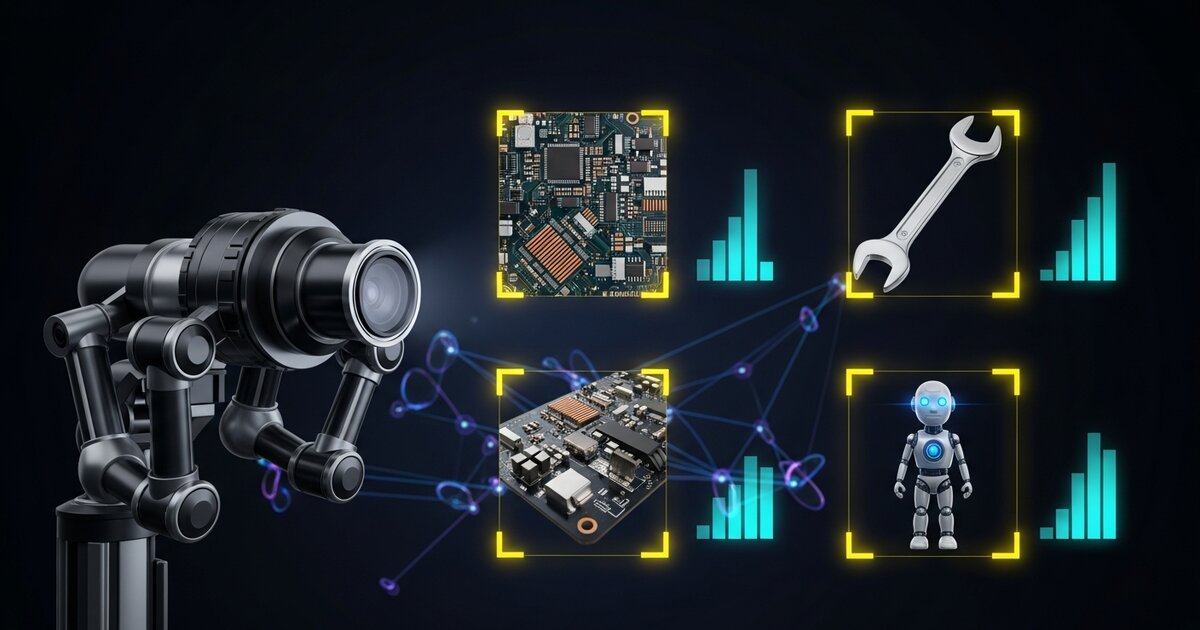
NVIDIA TensorRT optimizes neural network graphs by merging layers, selecting optimal CUDA kernels, and scaling model weights down to 8-bit integer precision (INT8). This guide delivers an end-to-end engineering pipeline to export a YOLOv10 model, execute Post-Training Quantization (PTQ) via TensorRT calibration, and deploy the optimized engine on an NVIDIA Jetson Orin NX (16GB) for low-latency obstacle detection.
The YOLOv10 Edge Architecture Advantage
Unlike prior object detection architectures (such as YOLOv8 or YOLOv9), YOLOv10 eliminates non-maximum suppression (NMS) post-processing by introducing dual assignments for NMS-free training.
Conventional Detector:[ Vision Frame ] ---> [ Backbone / Neck ] ---> [ Head ] ---> [ Heavy NMS CPU/GPU Layer ] ---> Detections (Non-Deterministic Latency) YOLOv10 Pipeline:[ Vision Frame ] ---> [ Backbone / Neck ] ---> [ Consistent Dual Assignments Head ] ---------> Detections (Direct detection output; latency must be measured)By removing NMS, the inference bottleneck shifts entirely to CUDA matrix multiplication operations (GEMM). Converting these operations from FP32 to INT8 leveraging Tensor Cores can improve throughput, but speed and mAP changes depend on the model, calibration data, precision support, and target runtime.
Step 1: Pin the exporter and build an FP16 baseline
YOLOv10 exporter APIs differ across upstream THU-MIG and subsequent Ultralytics releases. Pin the package/model versions and use the API they actually expose; do not assume every installation exports a YOLOv10 class. Validate the ONNX outputs against the source checkpoint with the same letterboxing, RGB channel order, scaling, tensor layout, and output decoder.
Start with a supported static batch size and shape, build an FP16 baseline, and measure accuracy before introducing INT8. Batch size used for export, calibration, and runtime must match the engine profile.
Step 2: Calibrate or export explicit quantization
Use representative camera data covering target lighting, object sizes, clutter, and failure cases, with a separate held-out validation set. Match production preprocessing exactly: resizing without the model's expected letterboxing, or feeding BGR where RGB is expected, can invalidate calibration.
On versions supporting legacy implicit INT8 calibration, a builder must actually invoke the calibrator to generate a calibration cache. Merely defining a calibrator class or passing a nonexistent cache to trtexec does not calibrate the model. For runtimes requiring explicit quantization, export a supported Q/DQ model and follow that runtime's quantization workflow. Confirm the installed TensorRT version before selecting an API.
Step 3: Build an engine on the target configuration
Inspect supported options and build the baseline on the target Jetson. The following is an FP16 baseline example, not an INT8 calibration command:
trtexec --helptrtexec --onnx=yolov10s.onnx --saveEngine=yolov10s_fp16.engine --fp16Then build INT8 using an already validated cache on a compatible legacy runtime or a supported explicitly quantized Q/DQ model. Do not claim a calibrated result from --int8 alone. Keep the model, preprocessing, calibration data, TensorRT version, CUDA version, and target hardware in the engine manifest.
Step 4: Validate runtime tensor addresses and shapes
Query the engine's actual tensor names, shapes, data types, and required buffer sizes. For the TensorRT name-based enqueueV3 interface, bind every input and output tensor address before enqueuing work. Do not assume two float buffers or a universal 300-by-6 detection output; exporters can produce different outputs.
// Illustrative TensorRT name-based binding step; names are engine-specific.if (!context->setTensorAddress(input_name, input_device)) { throw std::runtime_error("Could not bind input tensor");}if (!context->setTensorAddress(output_name, output_device)) { throw std::runtime_error("Could not bind output tensor");}if (!context->enqueueV3(stream)) { throw std::runtime_error("TensorRT enqueue failed");}This excerpt assumes validated allocated device buffers, resolved dynamic shapes, initialized runtime objects, and a CUDA stream. Add file/deserialization checks, CUDA error handling, resource cleanup, and the exporter's decoder in the real application.
Benchmark plan: accuracy and end-to-end latency
No measured Jetson latency, FPS, mAP, or memory result is available for this draft. Benchmark FP32, FP16, and INT8 using the same held-out dataset and report model version, image shape, batch size, power mode, warm-up, and timing method.
Measure capture-to-detection latency as well as kernel inference time, with median and tail percentiles. Quantization can reduce accuracy on small or unfamiliar obstacles. Vision detections alone are not a certified collision-avoidance system; preserve independent safety measures and test the robot's full braking envelope.
Deployment Engineering Checklist
- [ ] Calibration Dataset Representation: Ensure calibration images reflect actual operational lighting, lens distortion, and camera mounting angles.
- [ ] CUDA Streams Optimization: Execute inference asynchronously using non-default CUDA streams to overlap camera frame capture with GPU kernel execution.
- [ ] Thermal Throttling Prevention: Ensure passive heatsink cooling or active fan profiles are set to max performance on the Jetson Orin NX (sudo jetson_clocks).
Further reading and technical reference
For the prerequisites, read our training a custom robot object-detection model. For implementation details and version-specific behavior, consult the NVIDIA TensorRT quantization and precision documentation.