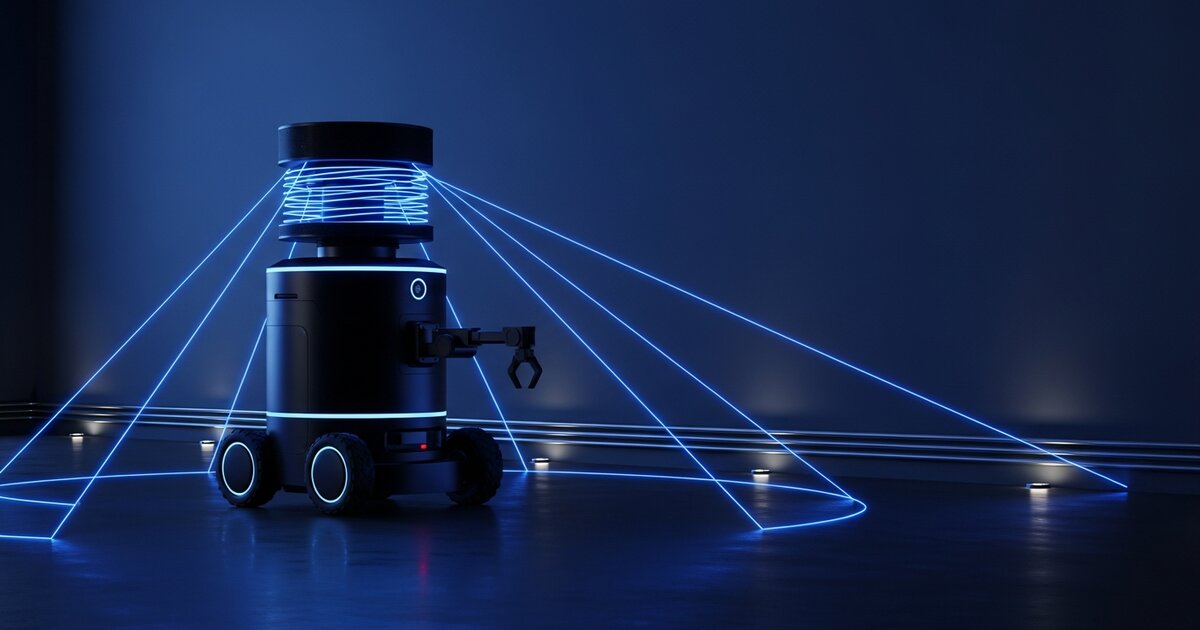
Build a Voice-Controlled Robot with ESP32 and AI

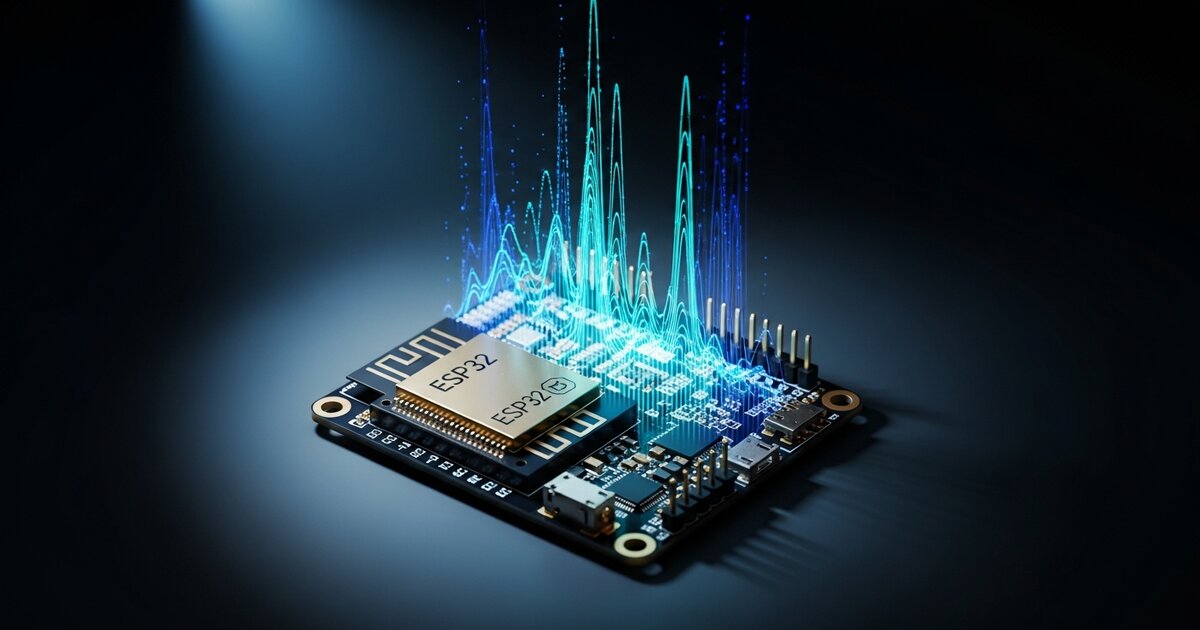
ContentsHow It Works
Most beginner robot builds rely on buttons, a smartphone app, or a remote control. Voice control feels like a big leap — but with an ESP32 and a cloud-based speech recognition service, it's far more approachable than it sounds. This guide walks through building a small wheeled robot that responds to spoken commands like "forward," "stop," and "turn left."
How It Works
There are two broad approaches to voice control on embedded hardware. On-device wake word + simple commands using TinyML (e.g., Edge Impulse models running directly on the ESP32) — fast, works offline, but limited to a small fixed vocabulary. Cloud-based speech recognition, where the ESP32 records audio and sends it to a cloud API, which returns recognized text — more flexible vocabulary, but requires Wi-Fi and adds latency.
This guide uses the cloud-based approach, which is more flexible for beginners and doesn't require training a custom model.
What You'll Need
- ESP32 development board — see our microcontroller comparison if you're choosing between boards
- I2S microphone module (e.g., INMP441)
- Motor driver board (L298N or similar)
- Two DC motors with wheels, chassis, and caster wheel
- Battery pack (separate from USB power for the motors)
Step 1: Wire the Motor Driver
Connect your two DC motors to the L298N motor driver's output terminals. Connect the driver's input pins (IN1–IN4) to four GPIO pins on the ESP32, and the enable pins (ENA/ENB) to two PWM-capable pins for speed control. Power the motor driver from your battery pack — not from the ESP32's 5V pin, which can't supply enough current.
Step 2: Wire the I2S Microphone
The INMP441 is an I2S digital microphone communicating over three pins: SD (data), WS (word select), and SCK (clock). Connect these to three GPIO pins on the ESP32 along with power and ground. I2S microphones give much cleaner audio than analog mics, which matters a lot for speech recognition accuracy.
Step 3: Record and Send Audio
Write a sketch that connects to Wi-Fi, listens for a button press or amplitude-based trigger, records a short audio clip (2–3 seconds) via I2S, sends it as an HTTP POST to a cloud speech-to-text API, and receives transcribed text in the response. Keep clips short — both to manage the ESP32's limited RAM and to reduce API latency.
Step 4: Parse Commands and Drive Motors
Once you have transcribed text, write simple matching logic:
if (command.indexOf("forward") >= 0) { driveForward();} else if (command.indexOf("stop") >= 0) { stopMotors();} else if (command.indexOf("left") >= 0) { turnLeft();} else if (command.indexOf("right") >= 0) { turnRight();}Keep your vocabulary small at first — five or six commands is plenty to prove the concept.
Testing and Going Further
Expect roughly 1–2 seconds of latency between finishing a spoken command and the robot responding — that's normal for cloud-based recognition. Mount the microphone away from the motors to avoid picking up motor noise in recordings. Background noise is the biggest source of misrecognition; test in a quiet room first.
Once the basic version works, you can add a TinyML wake word ("Hey Robot") so the robot only starts recording after hearing its name, or combine with a camera to respond to commands like "follow me." This project is a great bridge between basic ESP32 robotics and more advanced AI-integrated builds.