Top 7 Robot Arm Kits for Hobbyists in 2026

ContentsWhat to Look for Before You Buy
- What to Look for Before You Buy
- Beginner Pick: 4-DOF Acrylic Arm (Arduino-based)
- Best Value: 6-DOF Aluminum Arm with Digital Servos
- Best for Learning Inverse Kinematics: Open-source Arm with Python Library
- Best for ROS 2 Integration: 6-DOF Arm with ROS 2 Support
- Best for Vision Integration: Arm Kit with Camera Mount
- Splurge Pick: Industrial-Style Desktop Arm
- Choosing the Right One
Robotic arms are one of the most satisfying builds in hobby robotics — they're visual, mechanical, and let you dip into inverse kinematics, servo control, and gripper design all in one project. But the market ranges from $30 toy-grade arms to $500+ precision systems, and the quality gap is enormous. Here's a breakdown of seven kits worth considering in 2026, organized by skill level.
What to Look for Before You Buy
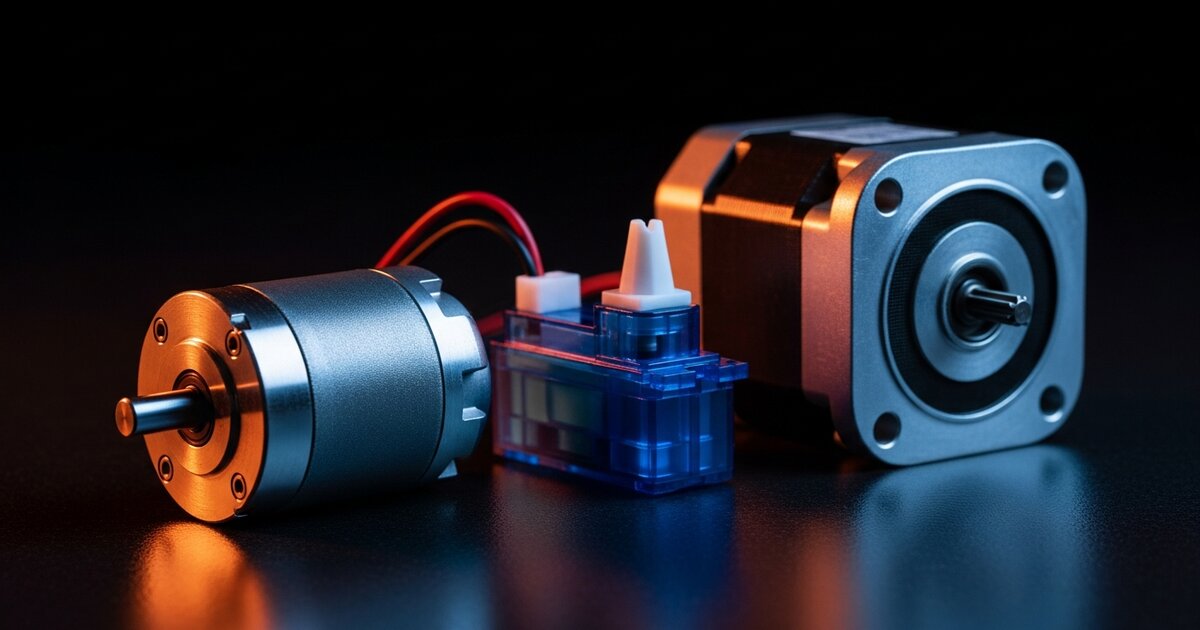
- Servo quality: Cheap kits use low-torque, imprecise servos that drift over time. Metal-gear servos matter if precision is important.
- Degrees of freedom (DOF): More DOF means more natural movement but more complexity. 4-DOF is a solid starting point; 6-DOF approaches industrial-arm realism.
- Software ecosystem: Does it ship with example code? Does it support Python, Arduino, or ROS 2?
- Build material: Acrylic kits are cheap but flex under load. Aluminum frames are worth the upgrade if you plan to lift real objects.
Beginner Pick: 4-DOF Acrylic Arm (Arduino-based)
These ubiquitous acrylic kits are the entry point for most hobbyists. Inexpensive, easy to assemble, and paired with basic Arduino code to get servos moving within an hour. Don't expect precision or strength — these are for learning servo control and basic kinematics, not lifting anything heavy.
Best Value: 6-DOF Aluminum Arm with Digital Servos
Stepping up to an aluminum-frame, 6-DOF kit with digital servos makes a noticeable difference in smoothness and repeatability. These typically run on Arduino or ESP32 and include a basic gripper. A great choice once you've outgrown the acrylic starter.
Best for Learning Inverse Kinematics: Open-source Arm with Python Library
Some kits are sold specifically with a companion Python library that handles inverse kinematics calculations for you, while still letting you read and modify the code. Ideal if your goal is to understand how arms move, not just watch them move.
Best for ROS 2 Integration: 6-DOF Arm with ROS 2 Support
If you're already working in ROS 2, a handful of arm kits ship with pre-built ROS 2 packages, URDF models, and MoveIt configuration. This saves enormous setup time and lets you focus on planning and control logic instead of driver development.
Best for Vision Integration: Arm Kit with Camera Mount
A few kits include a dedicated camera mount on the end effector or base, designed to pair with the AI cameras covered in our Best AI Cameras for Robotics guide. This setup is the foundation for pick-and-place-by-color or object-detection-driven arm projects.
Splurge Pick: Industrial-Style Desktop Arm
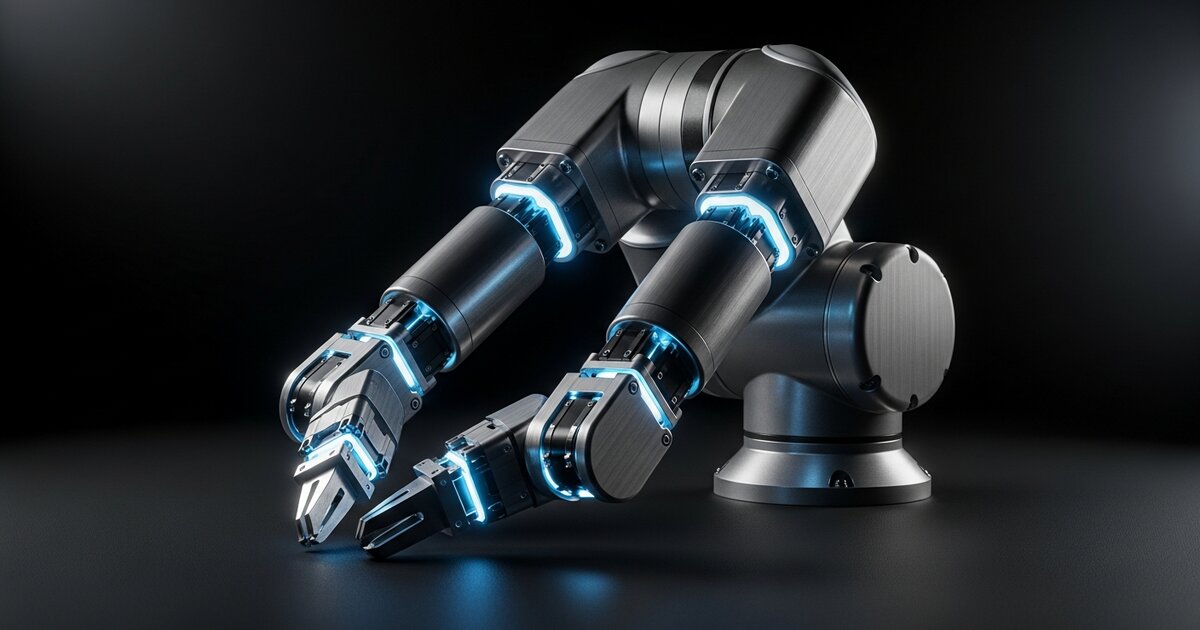
For hobbyists with a larger budget, desktop-scale arms modeled on industrial designs — harmonic drives, higher payload capacity, closed-loop servos — offer a genuinely different experience. These can lift real tools and maintain accuracy over thousands of cycles. Overkill for most projects, but a serious step toward professional-grade robotics.
Choosing the Right One
Whatever kit you choose, start with simple servo-by-servo movement before attempting full inverse kinematics — it'll save hours of debugging when something doesn't move the way you expect. If you're unsure about the underlying hardware, our ESP32 vs Arduino vs Raspberry Pi guide covers which controller to pair with your arm.