Build a Robot That Avoids Obstacles Using Ultrasonic Sensors (Beginner Version)

ContentsHow Ultrasonic Sensors Work
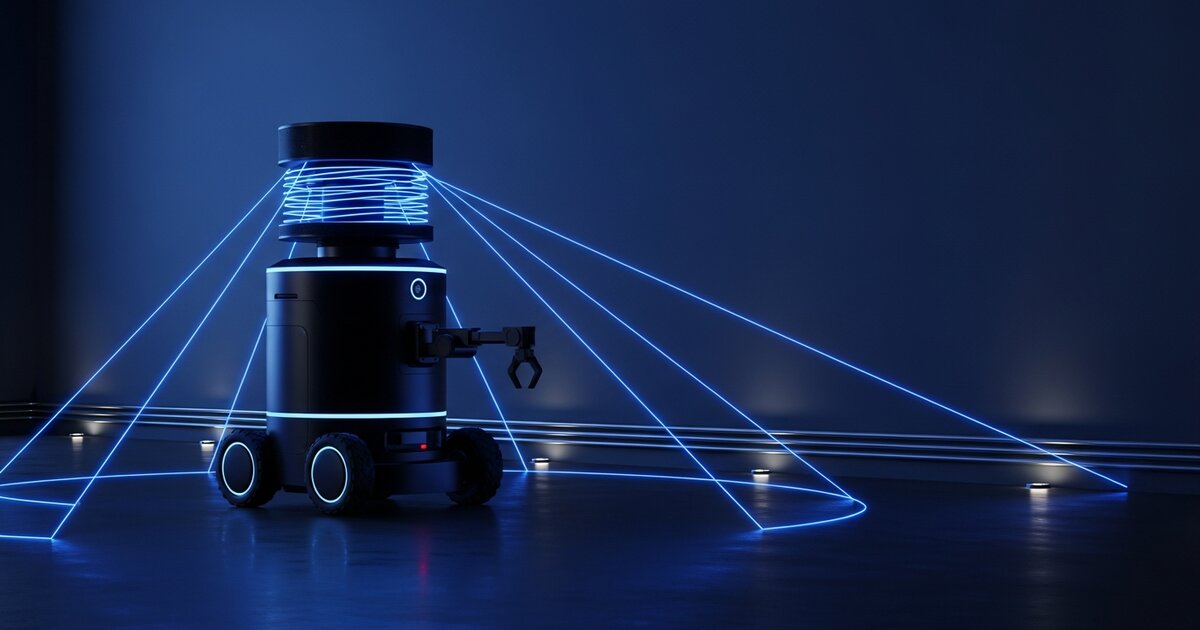
Our Obstacle Avoidance Robot with LiDAR and ROS 2 guide is aimed at intermediate builders — powerful, but a big jump if you're just getting started. This guide covers the beginner version of the same idea: a robot that detects and avoids obstacles using a single ultrasonic distance sensor and an Arduino. It's a great second project after a line-following robot, reusing much of the same chassis and motor setup.
How Ultrasonic Sensors Work
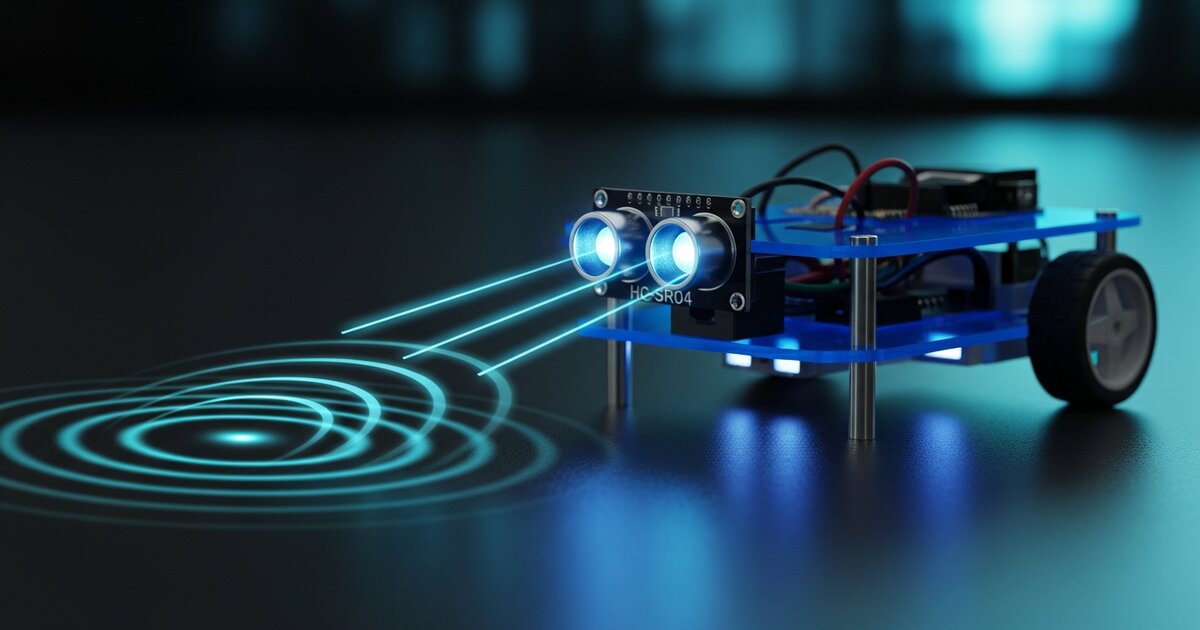
An ultrasonic sensor (such as the HC-SR04) works like simplified sonar: it sends out a short burst of ultrasonic sound, then measures how long the echo takes to bounce back off a nearby object. Since sound travels at a known speed, that time delay converts directly into a distance measurement — "there's something 23cm in front of me." It won't tell you what the object is or detect anything off to the sides, but for basic obstacle avoidance, that's enough.
What You'll Need
- Arduino Uno or Nano (or an ESP32 — see our microcontroller comparison)
- HC-SR04 ultrasonic sensor
- Two DC motors with wheels, L298N motor driver, chassis, caster wheel
- Servo motor (optional, for sweeping the sensor left and right)
- Battery pack
Step 1: Wire the Ultrasonic Sensor
The HC-SR04 has four pins: VCC, GND, Trig, and Echo. Connect Trig/Echo to two digital pins on the Arduino. The measurement process: send a short pulse on Trig, wait for the Echo pin to go high, measure how long it stays high, and convert that time to centimeters using the speed of sound. Most Arduino libraries handle this calculation and return a distance directly.
Step 2: Basic Avoidance Logic
The simplest version follows a basic loop:
void loop() { int distance = readUltrasonicDistance(); if (distance > 20) { driveForward(); } else { stopMotors(); delay(200); reverse(); delay(300); turnRight(); delay(400); }}This is intentionally crude: drive forward until something is closer than 20cm, then back up and turn. It works, but the robot always turns the same direction regardless of which way is actually clearer.
Step 3: Adding a Servo Sweep (Recommended Upgrade)
A simple but effective upgrade is mounting the ultrasonic sensor on a small servo so it can "look" left and right before deciding which way to turn. When an obstacle is detected ahead, stop; sweep left and take a reading; sweep right and take a reading; turn toward whichever side has more open space. This single change dramatically improves how "intelligent" the robot feels, despite adding only one extra component.
Common Issues and Fixes
- Erratic readings: ultrasonic sensors can give false short readings from angled surfaces or soft materials that absorb sound. Averaging several readings helps.
- Robot gets stuck turning in circles: the turn doesn't actually clear the obstacle before the next check. Increase turn duration or add a brief pause before re-checking.
- Motors stutter at low speed: many cheap DC motors have a minimum PWM value below which they won't turn at all — increase PWM rather than assuming the motor is broken.
Where to Go Next
Once this works reliably, natural next steps include adding a second sensor on each side for simultaneous left/right distance sensing, combining with line-following so the robot follows a path but reroutes around obstacles, or graduating to LiDAR and ROS 2 — the same sense-decide-act loop, with a much richer sensor and a more structured software framework.